Spotlight: HammerTech TV App
-----------------------------------------------------------------------------------------------------------------
-----------------------------------------------------------------------------------------------------------------
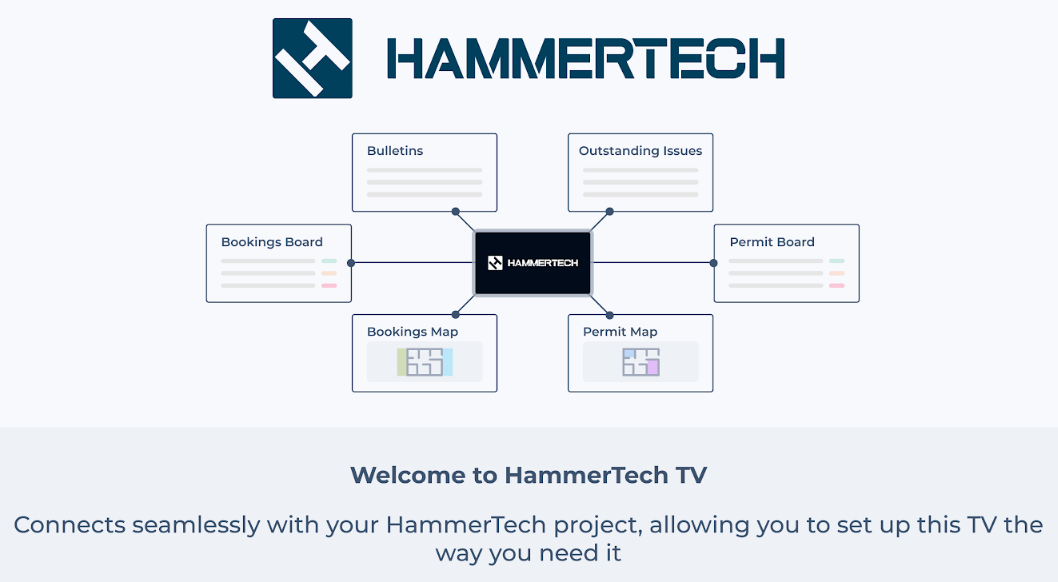
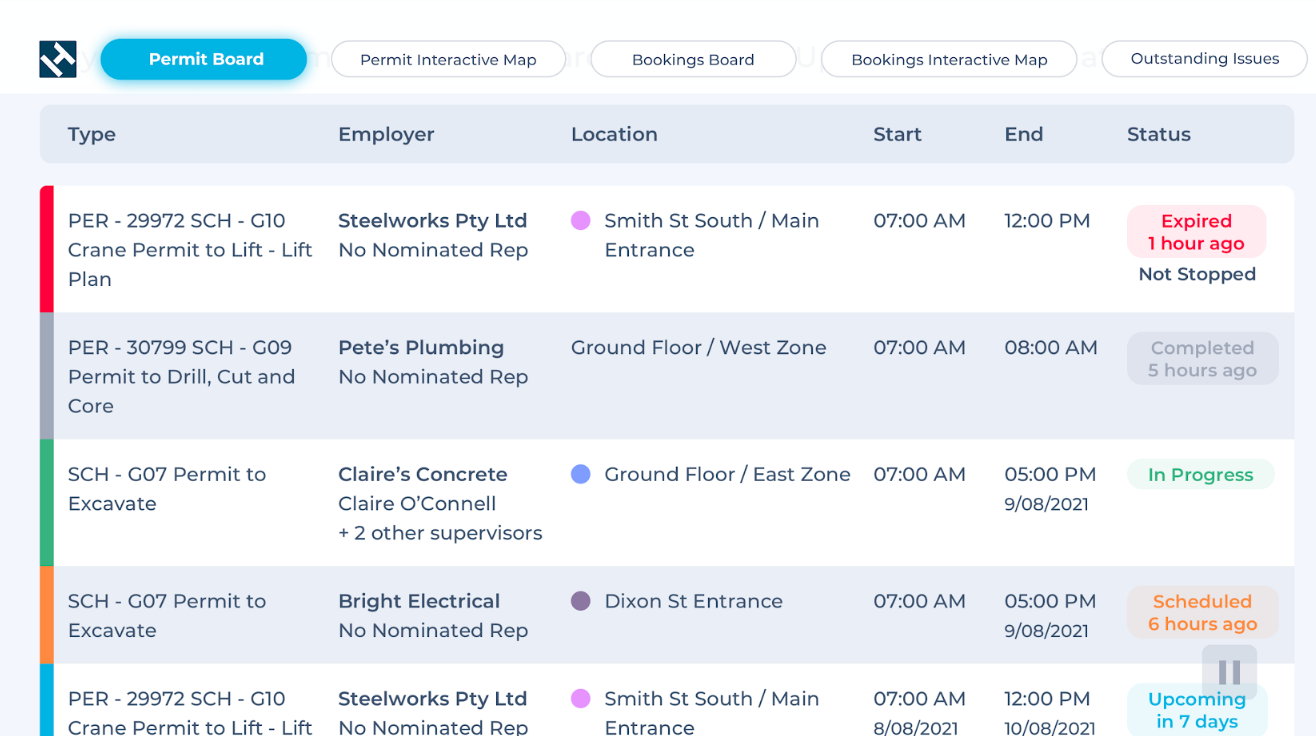
Customise the order the screens appear, how long you want them to display, and hide what isn't applicable to your project. All configurations can be done through Project Settings>TV Devices.
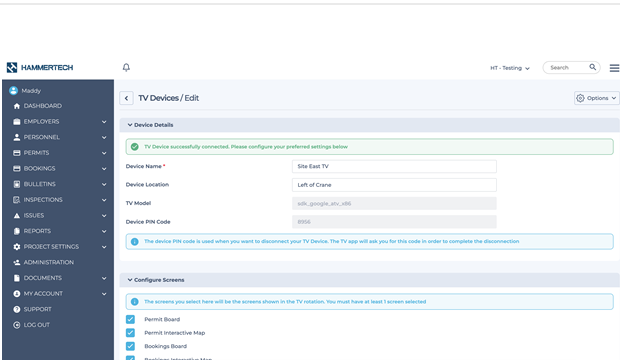
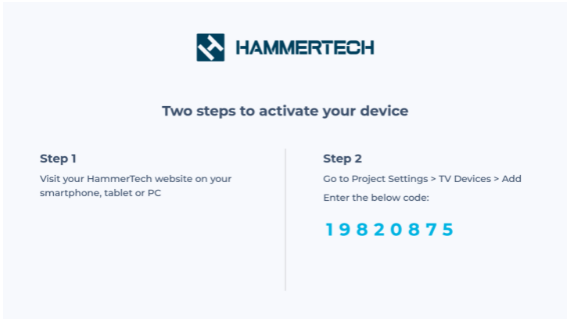
Easily activate the device, once the app has been downloaded, by using the unique code generated for each TV. Enter the code into HammerTech to sync with the configured rotations.
-----------------------------------------------------------------------------------------------------------------
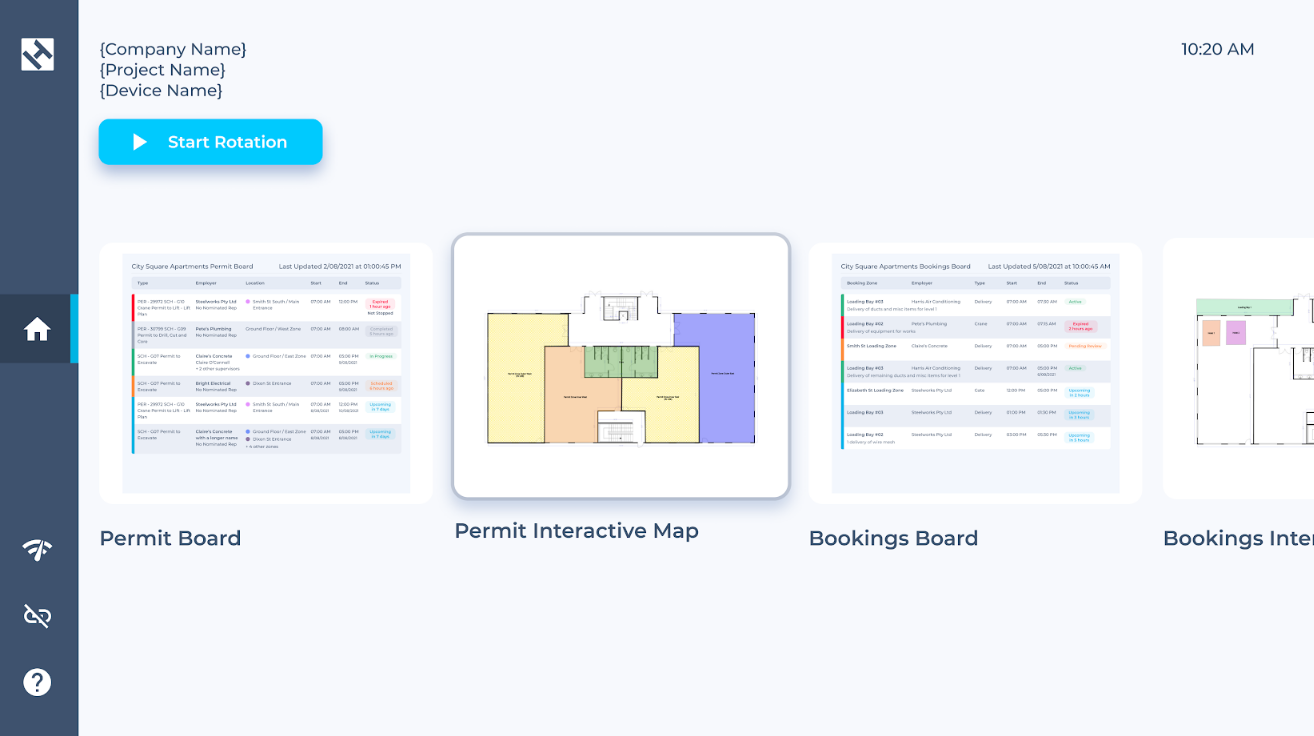
Navigate through the app using the device's remote. Set the screens to rotate automatically, or pause on a selected screen.
-----------------------------------------------------------------------------------------------------------------